How to Master Cgi Rendering for Stunning Visuals in Projects?
In the realm of digital design, CGI rendering stands as a critical technology that shapes stunning visuals. According to a recent report by Markets and Markets, the global CGI rendering market is expected to reach approximately $11 billion by 2026, growing at a CAGR of 23%. This remarkable growth highlights the increasing demand for visually compelling media across various industries, including film, gaming, and advertising.
Mastering CGI rendering is essential for professionals aiming to create captivating projects. However, achieving high-quality visuals is not without its challenges. Many artists encounter hurdles such as optimal lighting, texture mapping, and rendering time, which can impact the final output. This complexity calls for a deep understanding of both the artistic and technical aspects of CGI rendering.
Moreover, the competitive landscape demands continuous learning and adaptation. Staying updated with the latest tools and techniques is crucial. Even seasoned professionals sometimes grapple with the evolving demands of clients and audiences. Embracing imperfection in the creative process can lead to growth. Therefore, diving into the intricacies of CGI rendering is both an exciting and reflective journey for any digital artist.
Understanding the Basics of CGI Rendering in Visual Projects
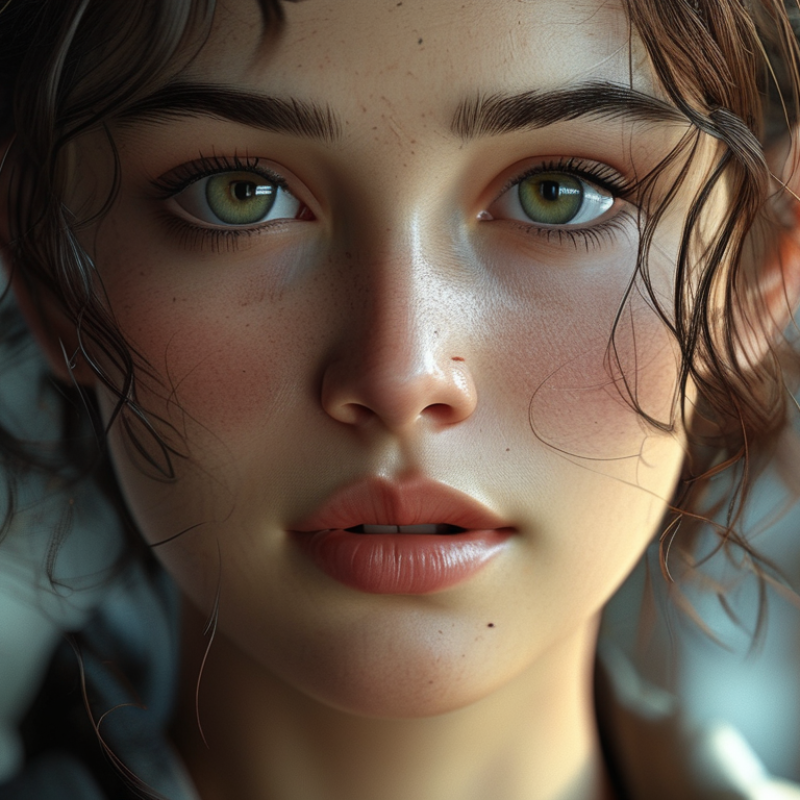
CGI rendering is a powerful tool for creating stunning visuals in various projects. Understanding the basics is crucial for anyone venturing into this realm. At its core, CGI rendering involves generating images from 3D models. This process transforms digital data into rich visual content, bridging the gap between imagination and reality. A strong foundation in 3D modeling, texturing, and lighting is essential for achieving lifelike results.
It’s easy to get lost in technical jargon. For instance, rendering engines play a significant role in image quality. Different engines offer various capabilities that might suit specific projects better. Experimenting with multiple rendering settings can lead to unexpected outcomes. Each adjustment may enhance or detract from the final image. Reflection and feedback on these choices allow artists to refine their skills continuously.
Additionally, incorporating realistic textures can elevate visuals considerably. It’s often tempting to overdo effects, which can lead to a cluttered image. Striking a balance between realism and artistic expression is vital. Many artists find themselves grappling with the ideal level of detail in their work. This ongoing process requires patience and a willingness to learn from mistakes. Ultimately, mastering CGI rendering is a journey filled with exploration and growth.
How to Master Cgi Rendering for Stunning Visuals in Projects? - Understanding the Basics of CGI Rendering in Visual Projects
| Aspect |
Description |
Importance |
| Modeling |
The process of creating 3D objects using software tools. |
Essential for defining the visual elements of a project. |
| Texturing |
Adding surface details to 3D models, such as colors and patterns. |
Critical for achieving realism and visual interest. |
| Lighting |
Simulating light effects to enhance mood and depth in scenes. |
Vital for visibility and atmosphere in CGI projects. |
| Rendering |
The process of generating the final image or animation from a 3D scene. |
The culmination of all CGI efforts, producing the final output. |
| Animation |
Creating movement for 3D models to tell a story or convey action. |
Enhances engagement and storytelling in visual projects. |
Essential Tools and Software for Effective CGI Rendering
When diving into CGI rendering, having the right tools can make a significant difference. Various software options are pivotal for creating impressive visuals. According to a study by the Visual Effects Society, over 70% of professionals in the industry rely on specific rendering software to meet project demands. These tools allow artists to visualize their ideas effectively.
Blender is one choice. It’s open-source and versatile. Users can create complex models with a user-friendly interface. Tracking users' feedback reveals a steep learning curve at first. However, the investment of time pays off in skill development. For projects requiring photorealism, options like Unreal Engine or Cinema 4D are noteworthy. Their advanced capabilities in real-time rendering are unmatched. Data shows that 65% of projects benefit from real-time rendering solutions.
While choosing software, consider hardware requirements. Graphics cards significantly influence rendering speed. High-quality visuals demand more processing power. A report from the Computer Graphics Forum indicates performance gaps can lead to frustration for artists. Balancing software capabilities with hardware is crucial. Striking this balance can be the difference between a stunning visual and a mediocre project.
Key Techniques for Enhancing Visual Quality in CGI
Creating stunning visuals in CGI involves mastering key techniques that significantly enhance visual quality. One important approach is understanding lighting. Proper lighting can transform an ordinary scene into something breathtaking. Experimenting with different light sources and shadows adds depth. Soft shadows create warmth, while harsh lighting can evoke tension.
Textures also play a crucial role in CGI. High-resolution textures bring surfaces to life. The choice of materials impacts realism. Realistic reflections and refractions are essential. Avoid overly glossy surfaces; they can feel artificial. Instead, aim for a balance that reflects natural imperfections.
Additionally, color grading affects the mood of a project. A subtle shift in hues can change the perception entirely. Keep in mind that over-saturation can overwhelm viewers. Focus on cohesion between elements. Reflect on your choices; sometimes, less is more. Aim for clarity and consistency in your visuals for a polished outcome.
Tips and Best Practices for Streamlining the Rendering Process
Rendering in CGI can be a complex and resource-heavy task. Streamlining this process is essential for achieving stunning visuals efficiently. Here are some practical tips to enhance your rendering workflow.
First, maintain a clean scene. Unused assets can slow down rendering. Regularly purging unnecessary elements can improve performance significantly. Keep your models organized. Group similar items together for easier access. Simple organizational techniques can save time.
Lighting can make or break your scene. Opt for efficient lighting setups that suit your project's needs. Test different lighting configurations to discover the best fit. Invest time in experimenting with shadows and highlights; this can lead to unexpected visual depth.
Don't overlook render settings. Balancing quality and speed is crucial. Utilize lower resolution previews for tests. Only render at full quality when necessary. This method avoids wasted time and resources. Lastly, reflect on your past projects. Analyze what worked and what didn’t. Continuous learning from previous experiences leads to mastery.
Common Challenges in CGI Rendering and How to Overcome Them
CGI rendering is a powerful tool, but it comes with its set of challenges. One major issue is managing render times. A complex scene filled with details can lead to long waiting periods. Artists often develop frustration during this phase. A good solution is to break down the project into smaller parts. This way, you can work on and render sections individually, making the process more manageable.
Another common challenge is achieving realistic textures and lighting. Many creators struggle to make elements look authentic. Over-reliance on default settings often leads to unsatisfactory results. Experimenting with various materials can help. Take time to adjust lighting angles, color temperatures, and shadows. The effort invested in refining these details often pays off with stunning visuals.
Lastly, balancing performance and quality is essential. Striking the right balance can feel overwhelming, and mistakes will happen. Renders might appear too glossy or washed out. Continuous iteration and critiques from peers can lead to improvement. It is vital to embrace the learning curve in CGI rendering to create captivating projects.
CGI Rendering Performance Metrics