What is Sketchup To Render and How Can It Enhance Your Projects?
In the realm of design and architecture, "Sketchup To Render" stands as a pivotal tool. According to a report by IBISWorld, the global architecture industry has seen a steady growth of around 4.9% annually. This rise highlights the increasing demand for efficient design solutions. Sketchup offers a versatile platform that allows designers to create 3D models with relative ease.
The integration of rendering tools with Sketchup enhances visual communication. A survey by Statista reveals that 80% of architects believe high-quality visuals are crucial for client engagement. However, mastering the rendering process can be challenging. Many users struggle with the transition from model creation to realistic representation. This gap often leads to suboptimal outcomes, risking client satisfaction.
Understanding how to effectively utilize "Sketchup To Render" can significantly elevate project outcomes. A detailed approach is necessary, as many professionals find themselves lost in the intricacies of rendering software. Addressing these challenges fosters a learning environment, pushing designers to refine their skills while delivering high-quality results.
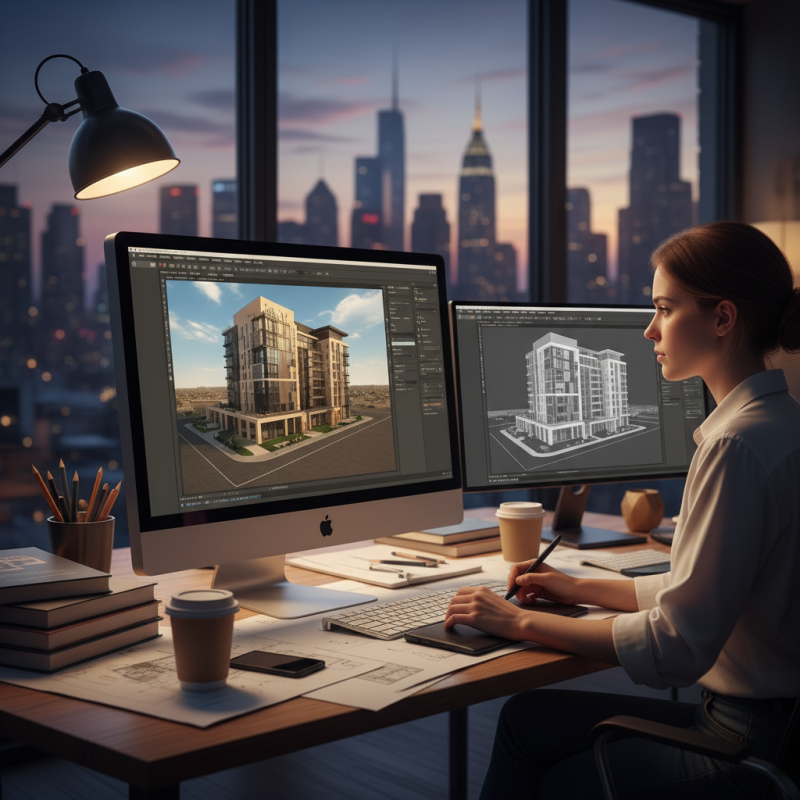
What is SketchUp and its Role in Architectural Visualization
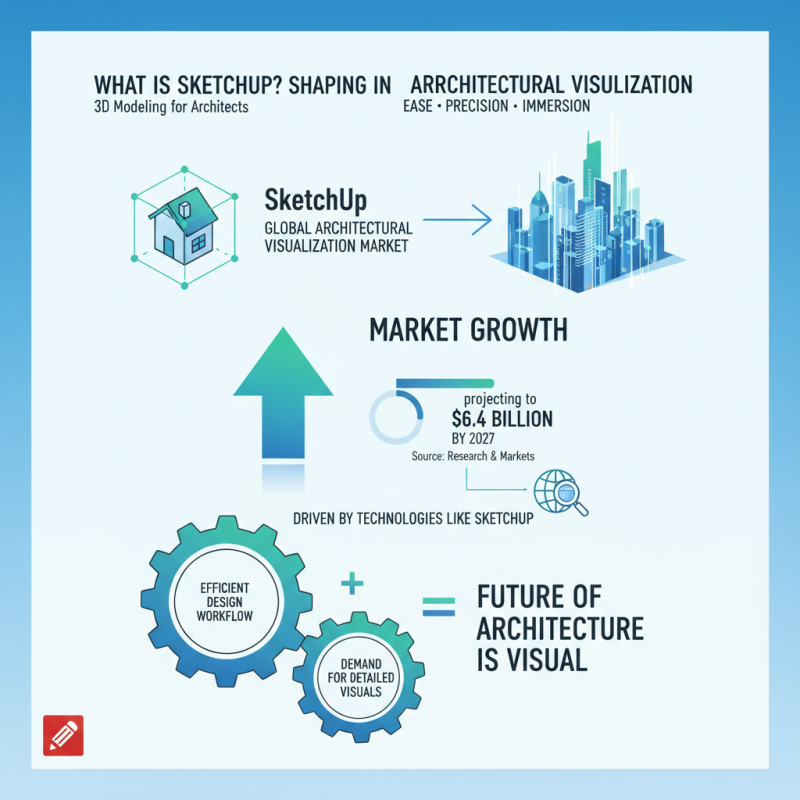
SketchUp plays a vital role in architectural visualization. It allows architects and designers to create 3D models with ease and precision. According to a report by Research and Markets, the architectural visualization market is projected to reach $6.4 billion by 2027, driven largely by technologies like SketchUp. This growth indicates a robust demand for detailed and immersive visualizations.
With SketchUp, professionals can quickly turn concepts into realistic representations. This software supports various rendering plugins, enabling users to explore different design possibilities. However, the learning curve can be steep for beginners. Some users report difficulties in achieving realistic lighting and textures. Understanding these challenges is crucial for effective project outcomes.
Architects can collaborate more efficiently using SketchUp. They can share models with clients to gather immediate feedback. This iterative process enhances design quality and client satisfaction. Yet, it’s essential to balance speed and detail. Rushed models may compromise the overall concept. Thus, spending adequate time refining details in SketchUp is key to successful architectural projects.
The Rendering Process: Transforming 3D Models into Realistic Images
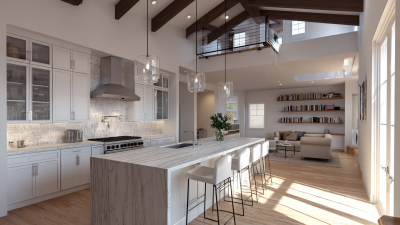
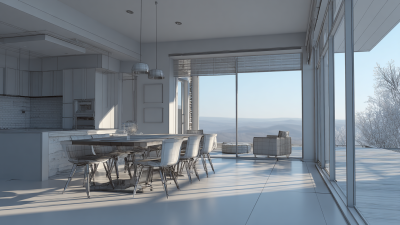
The rendering process is crucial in turning basic 3D models into lifelike images. This step requires more than just software; it involves understanding light, material properties, and spatial design. As a designer, recognizing how light interacts with surfaces is vital. Shadows can add depth, while reflections enhance realism. A well-rendered image can evoke emotions and create a sense of presence.
However, achieving realism is often challenging. Many designers struggle with selecting the right textures or lighting angles. Sometimes, the final image doesn’t match the vision. It’s important to experiment with settings. Adjusting the brightness or contrast can dramatically change an image. This trial and error process can be daunting yet rewarding. Each iteration provides valuable learning opportunities.
Furthermore, collaboration can significantly improve rendering outcomes. Seeking feedback from peers brings fresh perspectives. Engaging with experienced artists can lead to innovative techniques. Everyone can learn from each other’s successes and setbacks. Embracing imperfections in your work is part of growth. Rendering is not just a technical task, but an art form that evolves with practice and exploration.
Key Features of SketchUp for Enhancing Visual Project Presentations
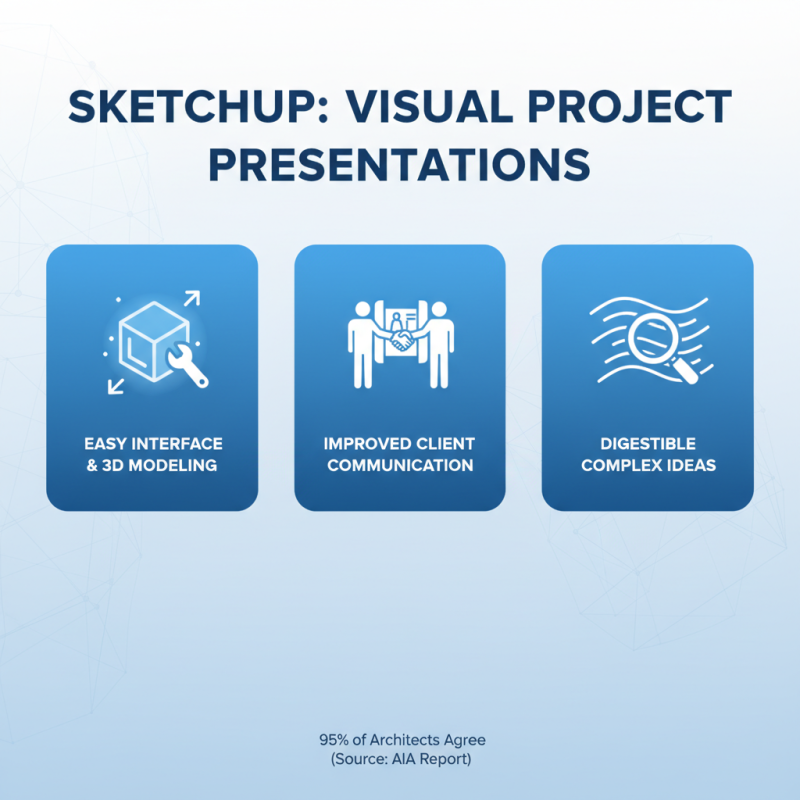
SketchUp is a powerful tool that enhances visual project presentations. One of its key features is the easy-to-use interface that allows users to create intricate 3D models quickly. A report from the American Institute of Architects noted that 95% of architects found 3D modeling solutions improved communication with clients. This capability helps deliver complex ideas in a more digestible format.
Another significant aspect of SketchUp is its extensive library of pre-made components. Users can find thousands of ready-to-use elements, such as furniture and landscaping features. According to recent industry studies, projects that incorporate ready-made components can reduce design time by up to 30%. However, relying too heavily on these components may lead to a lack of originality in design.
The real-time rendering feature is also noteworthy, enabling users to view their changes instantly. This can aid in decision-making and speed up the design process. However, sometimes the rendering quality might not meet expectations. Users need experience to adjust settings properly. Balancing efficiency with creativity remains a challenge for many professionals using this software.
Statistics on SketchUp Users: Adoption Rates in Architecture and Design
The adoption rates of SketchUp in architecture and design have shown significant growth. Recent statistics indicate that a large percentage of architects prefer this tool for its user-friendly interface. The capabilities of SketchUp allow designers to create detailed 3D models easily. This has fostered a collaborative environment among design teams.
Many professionals appreciate how quickly they can visualize concepts. However, some users struggle with advanced rendering features. They may find themselves needing additional training to fully utilize the software's potential. Despite these hurdles, the convenience of rapid prototyping remains a major draw.
In combination with rendering tools, SketchUp enhances project presentations. It transforms basic designs into lifelike representations. This capability helps clients understand the vision more clearly. Yet, there is a learning curve involved. Users often spend time figuring out how to achieve the desired effects. In showing imperfections or design flaws, professionals can initiate meaningful discussions with clients.
Case Studies: Successful Projects Enhanced by SketchUp Rendering Techniques
Rendering techniques in SketchUp have transformed many architectural and design projects. For instance, a recent project involved an urban park redesign. The initial 2D sketches lacked vibrancy. After applying rendering techniques, the visuals came alive. The textures of the grass and the reflections from the water bodies added depth. This realistic portrayal helped stakeholders visualize the final outcome more effectively.
Another notable case included a residential home. The designer used SketchUp rendering to showcase lighting effects throughout the day. The morning sunshine filtering into the living room created a warm ambiance. Despite these enhancements, there were challenges. Some clients found it difficult to adjust their expectations. They wondered if the final built environment would match the rendered images. Overcoming such concerns is essential for project success. Clear communication about the rendering process can help bridge this gap.