Top Tips for Creating Stunning Sketch Up Renders?
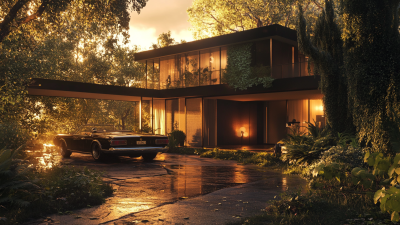
Creating stunning Sketch Up Renders can elevate your designs significantly. A good render captures attention and conveys your vision. However, achieving this is not always easy.
In the world of 3D design, small details can make a big difference. Lighting plays a critical role. The right light can bring warmth or enhance drama in your renders. Colors should be chosen wisely. An incorrect palette might confuse viewers about your ideas.
Textures add realism, yet they can overwhelm your design if not balanced. Strive for a blend that captivates without cluttering. Don’t forget about scale; it can alter perception. Every element needs careful placement. Reflection and shadow can enrich your visuals, but they also require practice to master. Learning from your mistakes is equally essential. Sometimes, reviewing a render critically reveals the areas needing improvement. Embrace every challenge; it leads to stunning results with Sketch Up Renders.
Understanding the Basics of SketchUp for Effective Rendering
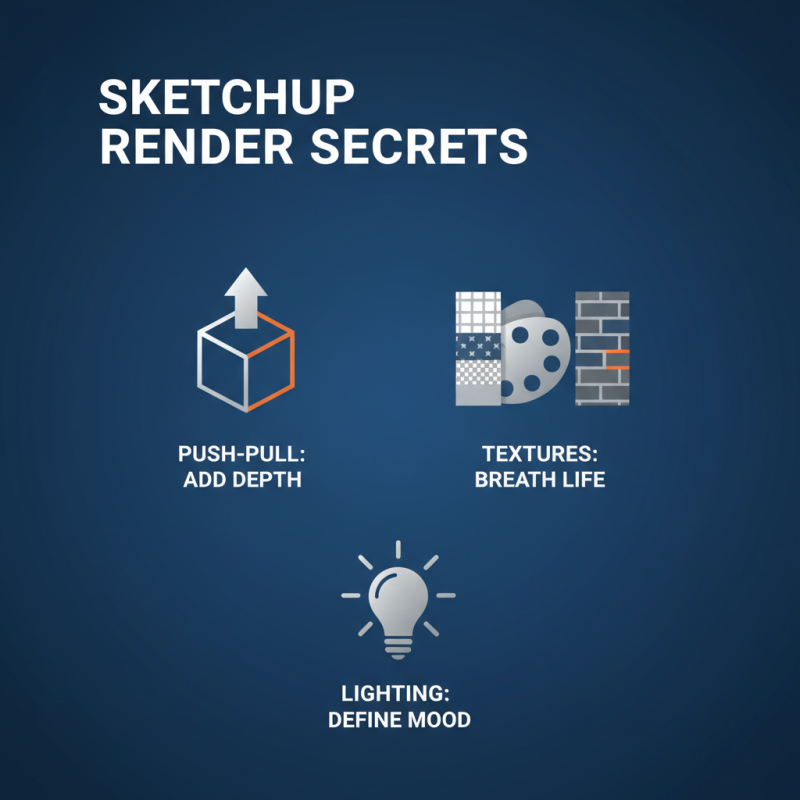
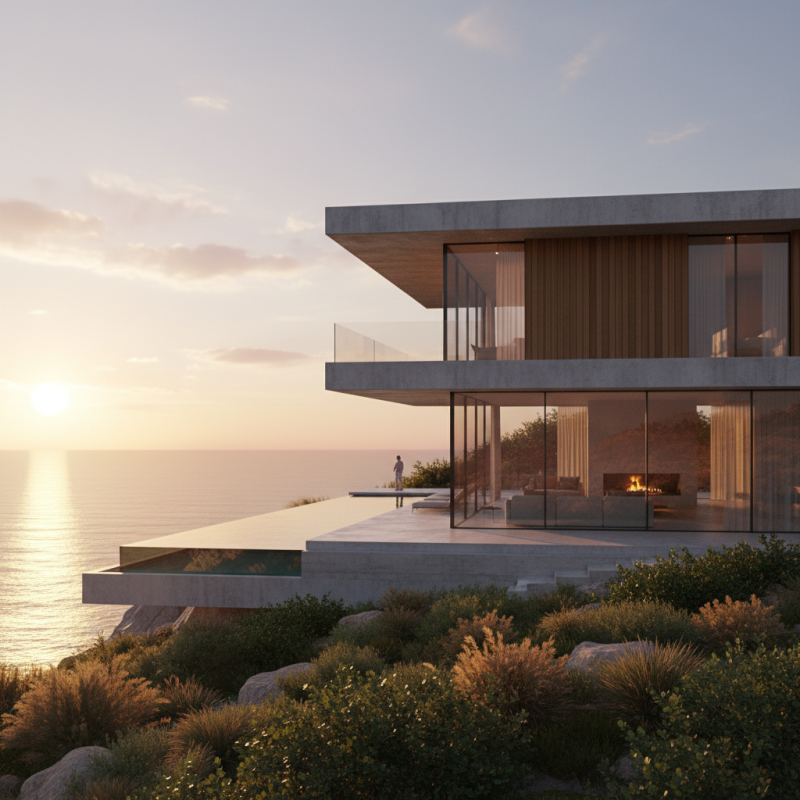
Creating stunning renders in SketchUp starts with understanding its foundational elements. Familiarize yourself with the various tools available. The push-pull tool, for example, allows you to add depth easily. Likewise, selecting the right textures significantly impacts the overall look. A good texture can breathe life into your model.
Lighting is another crucial aspect of effective rendering. Experiment with different light settings to see what works best for your scene. Don't be afraid to test shadows and reflections. They can create a more realistic atmosphere. You might struggle at first to achieve the desired effect. Keep refining your technique, as it often requires multiple tries.
Lastly, pay attention to the details in your models. This includes everyday objects like furniture and plants. Adding these elements can enhance realism but may introduce clutter. Strive for balance and cohesion in your scene. Remember that creating a stunning render is a journey filled with trials. Embrace the process and be willing to learn from your mistakes.
Techniques for Achieving Realistic Lighting in SketchUp
Lighting is crucial for realistic renders in SketchUp. Without proper lighting, models can look flat and unappealing. One effective technique is to use natural light sources. Positioning sunlight correctly can bring your model to life. Try adjusting the time of day and geographic location in your settings. The shadows will create depth, enhancing your render's realism.
Another tip is to employ ambient light. This type of light fills in the dark areas of your model. It adds subtle highlights and creates an overall balance. Just be careful not to overdo it. Too much ambient light can wash out your details. Always review your adjustments critically.
Don't overlook the power of light materials. Use those that reflect light naturally for surfaces like glass and metal. They can dramatically change the perception of your model. Test different settings, and always seek feedback. Perfection is a journey, not an outcome. Embrace imperfections along the way and let them guide your improvements.
Tips for Texturing and Materials to Improve Render Quality
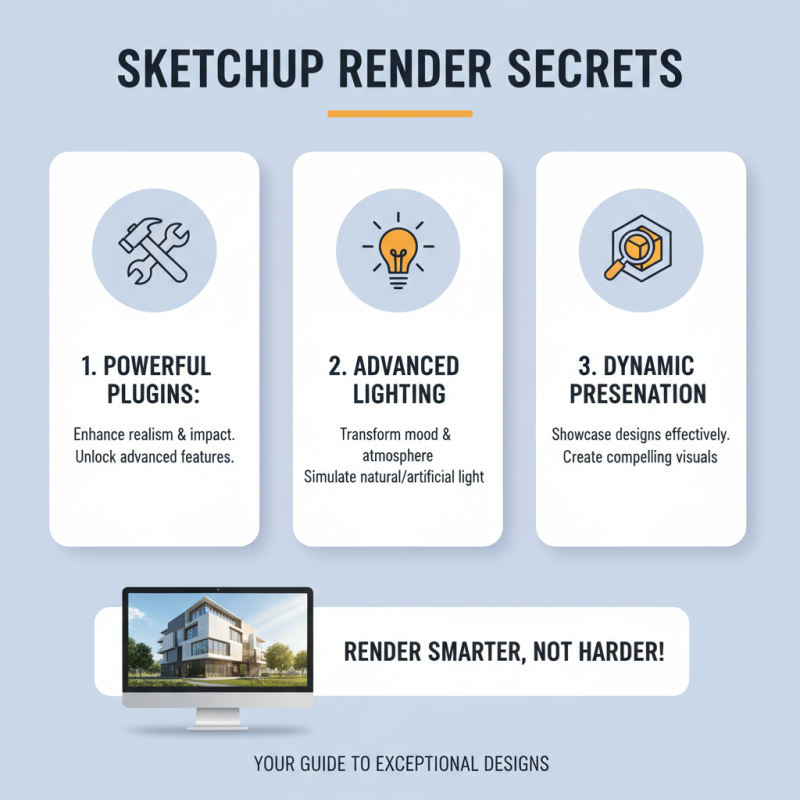
When it comes to achieving stunning SketchUp renders, texturing and materials play a vital role. According to recent industry analyses, up to 70% of a render's realism comes from its material properties. High-quality textures can dramatically enhance the depth and authenticity of your models. For instance, using PBR (Physically Based Rendering) materials can help to create surfaces that react realistically to light. Simple brick or wood textures can be transformed with minor adjustments to roughness and reflectivity, adding a lifelike quality.
However, not every texture works for every model. Misleading materials can lead to unrealistic outcomes. For example, grass may look overly shiny if the specular settings are too high. It's crucial to test different settings and refine them based on your scene's lighting conditions. A recent report revealed that 45% of new users struggle with material settings due to lack of guidance. Embracing imperfections in your render can lead to a more authentic appearance. Experimentation and iterative adjustments often result in surprising enhancements.
Working with a broad variety of textures can also help you avoid a monotonous look in your scene. Blending multiple texture types, such as combining smooth and rough elements, can add complexity and interest. Ultimately, exploring the versatility of materials can yield striking results, but it requires time and patience. Consider the contrasts and nuances; they often make the difference between a decent render and a truly stunning one.
Common Mistakes to Avoid When Rendering in SketchUp
Rendering in SketchUp can be an exciting challenge. However, many common mistakes can undermine your efforts. One significant error is neglecting lighting. Studies show that about 75% of viewers focus on how light interacts with objects. Without proper lighting, even the best models can appear flat. Experiment with different light sources and shadows to add depth.
Another frequent oversight is texture application. Many users apply textures without considering scale. According to recent design reports, improper scaling can diminish realism and lead to viewer disconnect. Textures should enhance the scene, not overwhelm it. Aim for balance. By aligning texture scale with object size, you increase visual appeal.
A third area to consider is perspective. Often, users overlook camera angles that can make or break a render. Data indicates that 68% of successful presentations rely heavily on perspective. Avoid standard, straight-on views. Instead, explore dynamic angles that draw attention. Engaging angles can elevate an ordinary scene into something captivating.
Top Tips for Creating Stunning Sketch Up Renders - Common Mistakes to Avoid When Rendering in SketchUp
| Tip Number |
Rendering Tip |
Common Mistake |
Solution |
| 1 |
Use High-Quality Textures |
Low-Resolution Textures |
Always choose textures with high resolution to enhance realism. |
| 2 |
Adjust Lighting Properly |
Ignoring Lighting Effects |
Experiment with natural and artificial lights for depth. |
| 3 |
Maintain Scale and Proportion |
Object Sizes Out of Scale |
Double-check dimensions and use reference images. |
| 4 |
Utilize Shadows |
Flat and Overexposed Views |
Use shadows to create a more dynamic and layered look. |
| 5 |
Experiment with Scene Settings |
Default Scene Settings |
Tweak scene options for a personalized touch. |